
Konspekt
AI meeting notes that never leave your PC
Konspekt records your meetings and calls on Windows, turns them into a transcript and writes the notes — decisions, who does what, open questions. Everything runs on your computer. No bot in the call, nothing uploaded.
Windows 10 and 11 · 10 meetings to try · source code available · v0.18.1
0/75 antivirus engines on VirusTotal flagged the file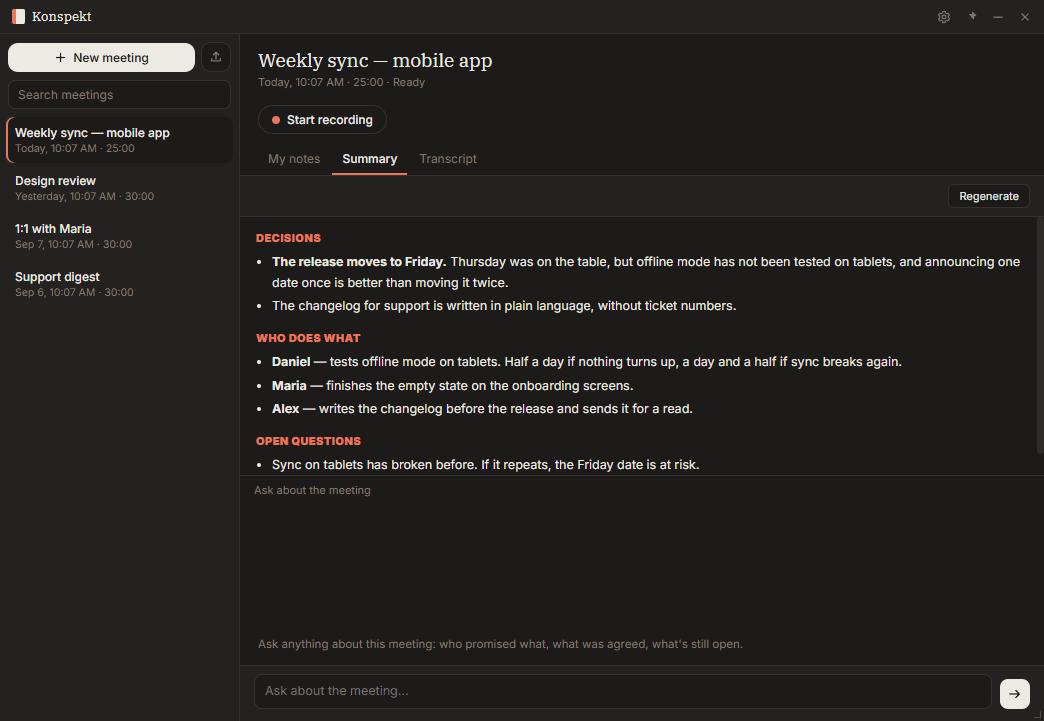
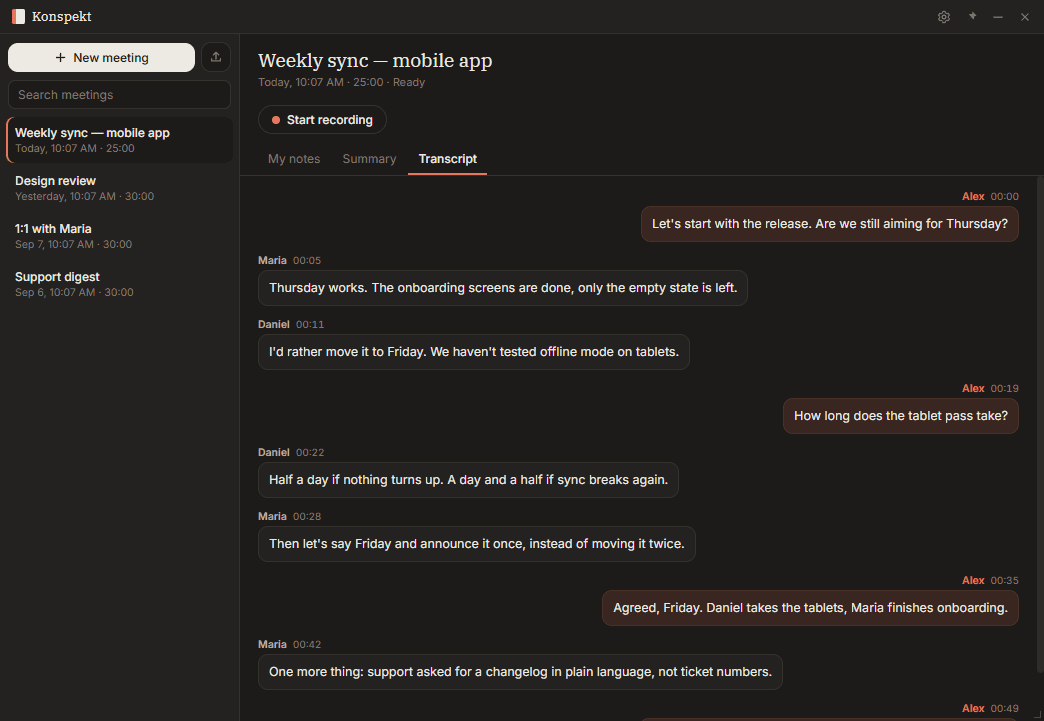
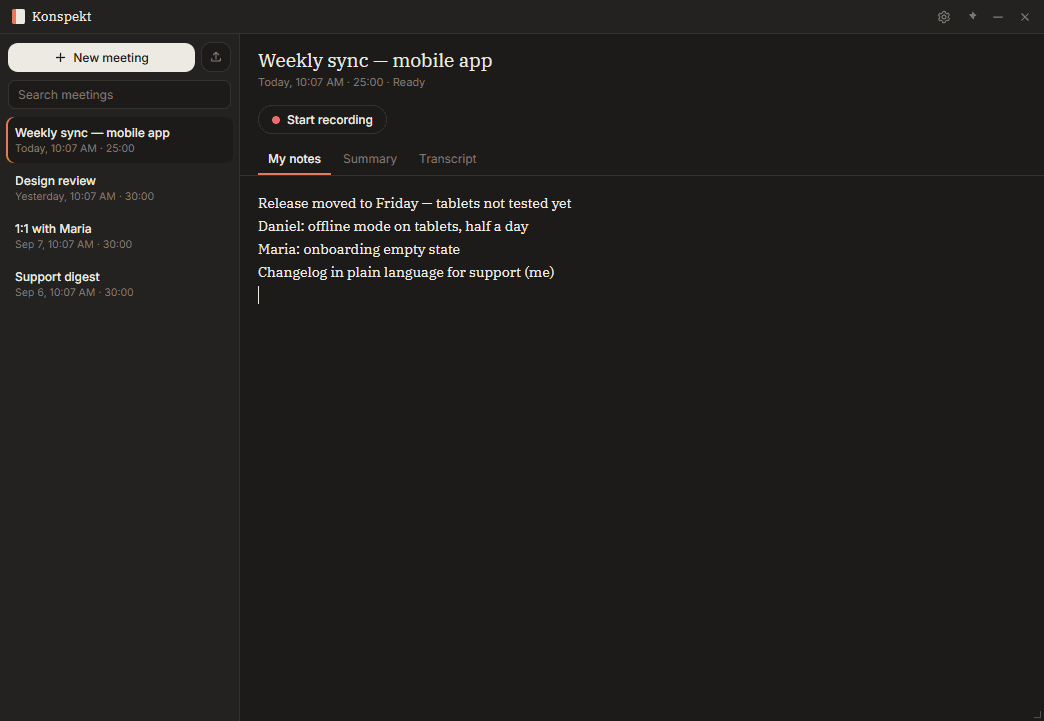
Konspekt in 15 seconds: recording, transcript and meeting summary
What Konspekt does
- Hears both sides of the call. Your microphone and your computer's sound are recorded as two tracks, so the other side is captured in Zoom, Teams, Google Meet or any other calling app. Forgot to hit record? After 30 seconds of conversation Konspekt offers to start.
- Transcribes on your computer. English, Spanish and many other languages with Whisper; Russian with GigaAM. Speakers are labeled — name a voice once and Konspekt recognizes it next time.
- Writes the notes. A local model summarizes decisions, owners and open questions. Ask questions about any meeting in a chat.
- Notes are written in the language of the meeting.
- Shows who talked how much. Talk time, longest monologue, questions and interruptions — counted without any AI model.
- Finds personal data. Highlights emails, card numbers and IBANs in the transcript, so you can copy notes without them.
- Searches all your meetings by words and by meaning.
- Takes your files. Drag in audio or video recordings — Konspekt transcribes them the same way.
No bot in the call
Many AI note takers join your meeting as a participant. Konspekt doesn't: it records the sound on your computer. Nobody sees an extra "Notetaker" in the list. Recording laws differ by country, so tell people before you record — Konspekt doesn't notify them for you.
Why local
Most AI note takers send your meeting audio to the cloud: their servers, their transcription vendors, their AI providers. Each of them is one more place your conversations may be accessible from. Konspekt keeps the whole pipeline on your computer — recording, transcription, notes. Nothing is uploaded, there's no telemetry, and after a one-time model download it works without the internet.
Quick start
- Download and install Konspekt. Windows SmartScreen may show a warning, because the installer isn't signed with a paid certificate yet: click "More info" → "Run anyway". You can verify the file with checksums on the release page.
- On first launch Konspekt downloads the transcription model.
- Start a call in any app and click Record — or let Konspekt suggest it.
- When the meeting ends, open the transcript and the notes. The first time you ask for notes, Konspekt downloads the notes model you choose.
More ways to feed it recordings
- A folder that Konspekt checks on its own — drop recordings there.
- A Telegram bot — your own, created via @BotFather. Send a voice message, a video note or a file, get the transcript back. Transcription still happens on your computer; the bot works while Konspekt is running.
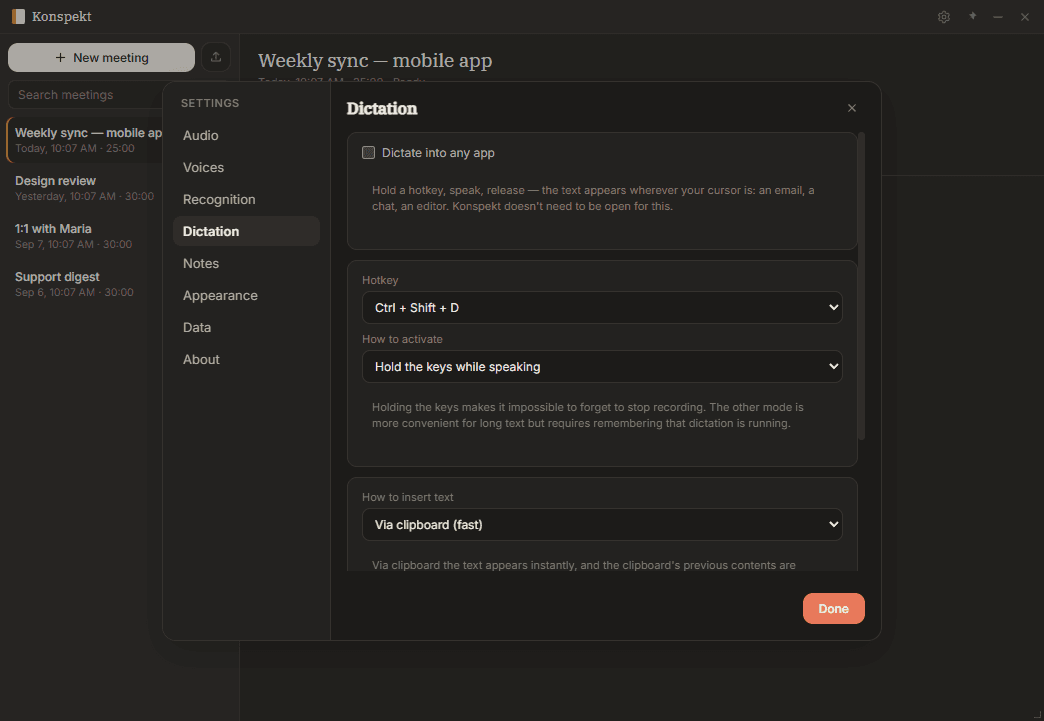
- Dictation — hold Ctrl+Shift+D, speak, release: text appears wherever your cursor is, in any Windows app.
- Your own model server — connect an OpenAI-compatible server for notes and chat. Transcription always stays on your PC.
Pricing
Try the full app on 10 meetings. Then buy once — no subscription:
- 6 months of updates — €20 · $25
- Lifetime updates — €85 · $90
The version you install keeps working forever; the term only covers new versions. The license key is checked on your computer, without the internet. Payment in USDT or BTC.
See pricingSystem requirements
- Windows 10 or 11, 64-bit. No GPU needed.
- Transcription models: about 220 MB, plus about 250 MB for languages other than Russian.
- Notes model, your choice: Fast — 1.8 GB, from 8 GB RAM · Smart — 2.5 GB, from 12 GB RAM · Strong — 5 GB, from 16 GB RAM.
- Internet: only to download models, and for the features that need it (Telegram, your own server).
Test your microphone before the first recording: DataHunter microphone test.
Source code
The source code is available under the FSL-1.1-MIT license: you can read it, build it and change it for your own use. Each version becomes MIT after two years. So you don't have to take "nothing leaves your computer" on faith — you can check it.
FAQ
Does Konspekt upload my audio or transcripts?
No. Only if you connect your own model server for notes, the text goes to that server — which you control.
Does a bot join my Zoom, Teams or Meet call?
No. Konspekt records the sound on your computer: your microphone and the system audio.
Does it work offline?
Yes. After the models are downloaded, recording, transcription, notes and search work without the internet.
Which languages does it transcribe?
English, Spanish and many other languages via Whisper, Russian via GigaAM. Mixed-language meetings are supported.
Is Serbian supported?
Yes. Konspekt uses a speech model trained specifically for Serbian (Latin script). Accuracy is good, though a bit lower than for English or Russian, especially on noisy calls — try it on your 10 trial meetings.
Is there a Mac or Linux version?
Not yet. Windows 10 and 11 only.
What does the trial include?
10 meetings with every feature.
What happens when my 6 months of updates end?
Your installed version keeps working forever. You only stop getting new versions.
Do I need to tell participants I'm recording?
Recording laws differ by country. Tell participants before you record. (Not legal advice.)
Recording business calls from your PBX? Konspekt for business calls on ingdg.com